Reproject a vector layer⚓
Description⚓
This algorithm reprojects a vector layer. It creates a new layer with the same features as the input one, but with geometries reprojected to a new coordinate system.
Attributes are not modified by this algorithm.
Accepted type of file⚓
Vector
Procédure : How to ?⚓
Use the Processing Toolbox pannel on the right and search for
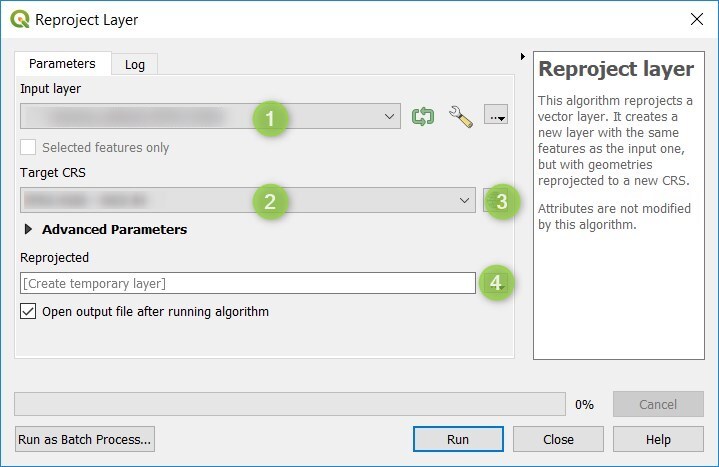
Reproject layertoolbox.Open the toolbox by double-clicking on it and enter the parameters.
Set the
Input vector layerthat needs to be reprojectedSet the
target coordinate systemof the new vector layerClick to
Save to File...
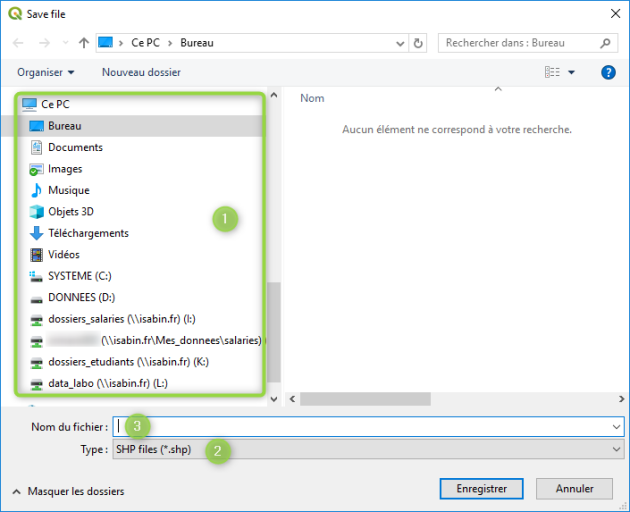
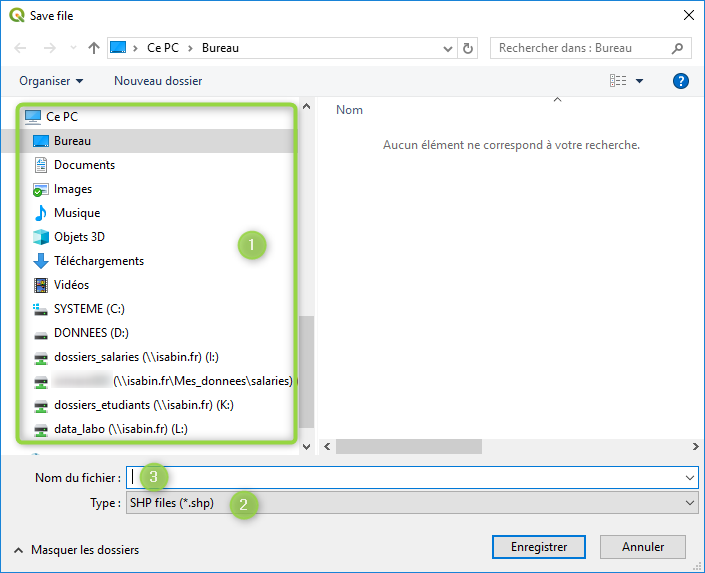
Save the output file in the desired folder
Select the drive that will host the output folder
Select the folder that will host the output file
Name the output file and add the relevant file extension (like SHP for vector and TIFF for raster).