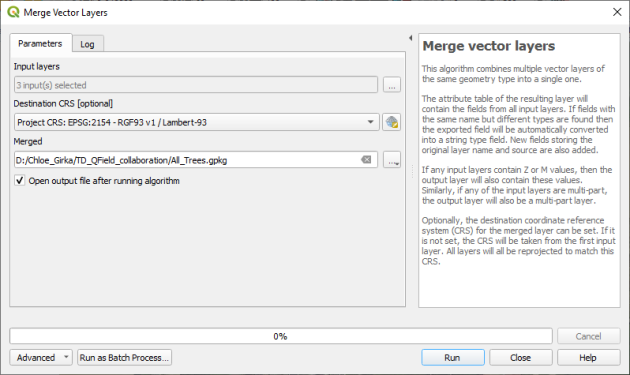
Merge vector layers⚓
Description⚓
This tool allows you to combine several vector layers into a single layer. If the layers have the same fields, their attribute tables will be stacked one after the other.
Accepted type of file⚓
Vectors (n files)
Procédure : How to?⚓
Prérequis
Access⚓
Use the pannel Processing Toolbox on the right to open the Merge vecto layers tool.