Use the mask plugin⚓
Description⚓
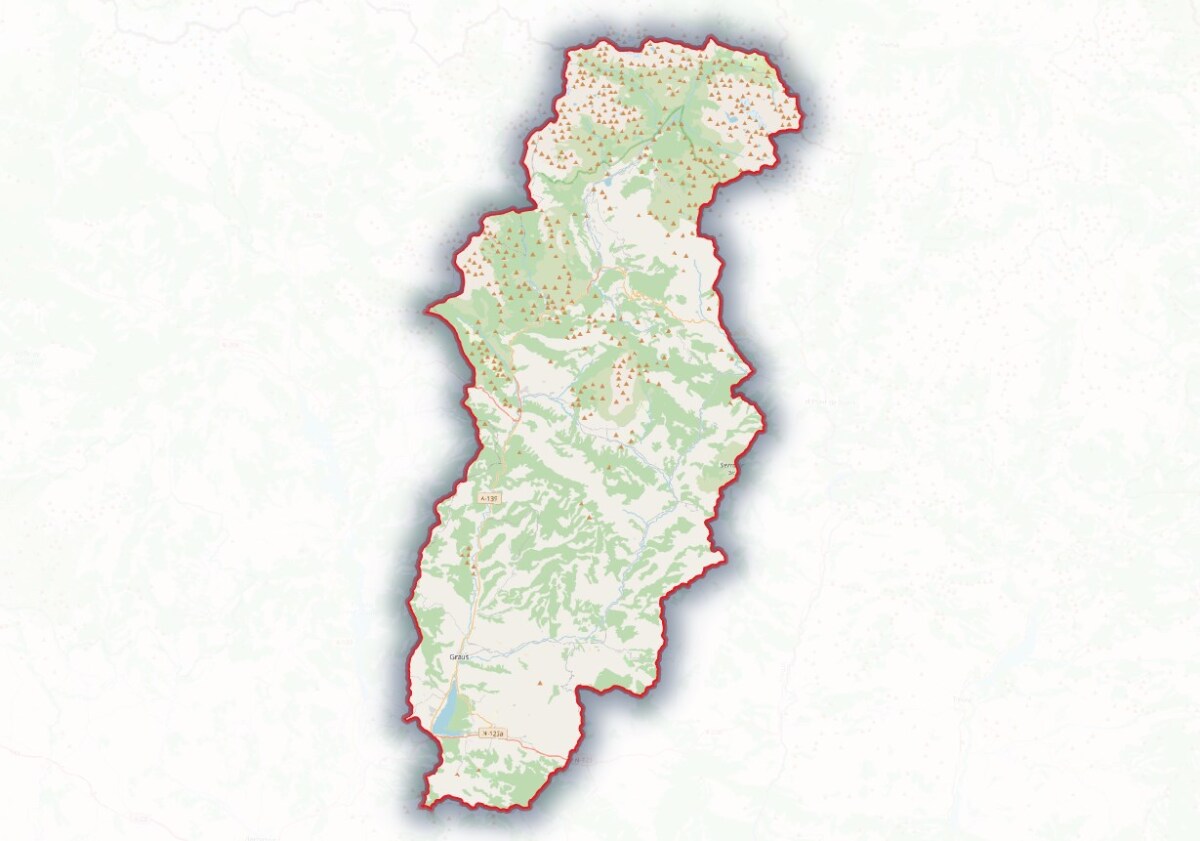
This plugin allows you to mask parts of the layers located outside of a polygon feature. Note that the layers won't be clipped but only masked. The mask will be stored in a layer which can be parametered afterwards.
Truc & astuce : Download the zip file⚓
If you are experiencing troubles to install the plugin from the reposit, the plugin zip file can be downloaded here.
Procédure : How to design a mask ?⚓
Install the "Mask" plugin
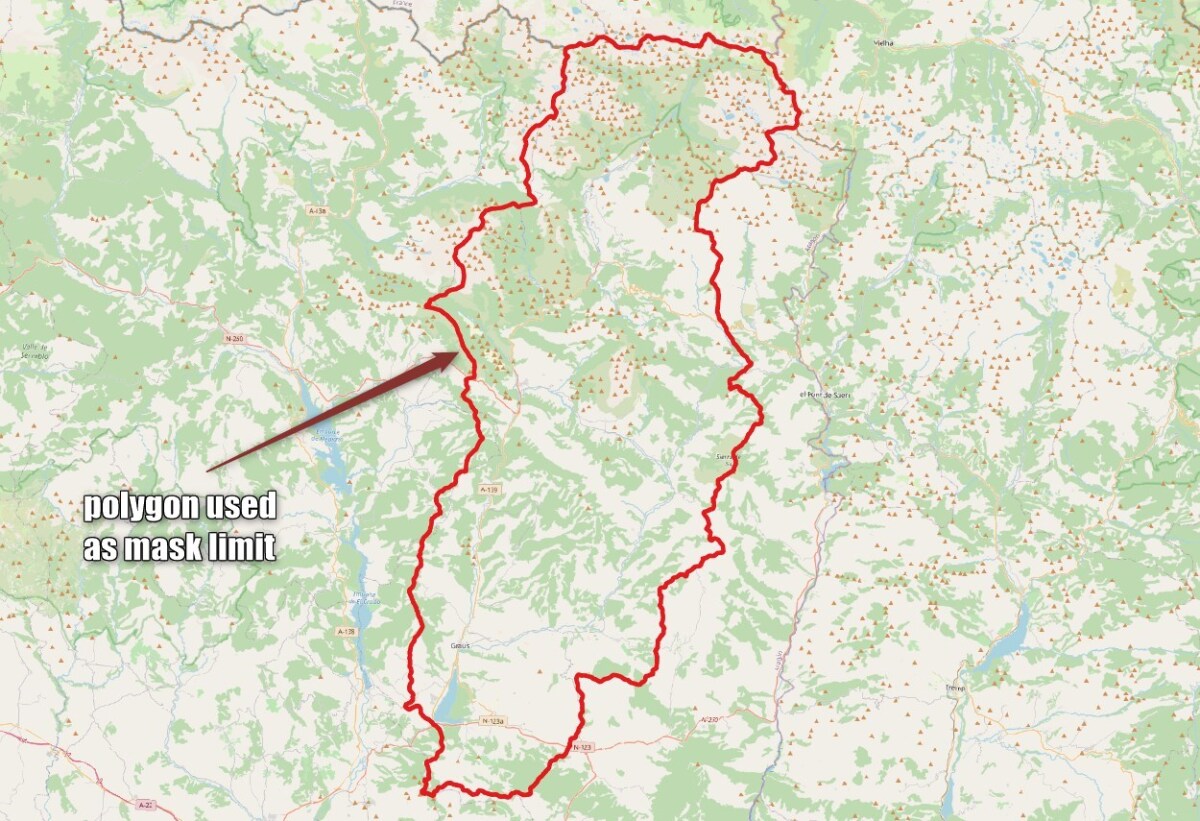
Select the polygon feature used as mask limit
Use a
Select by expressionor a direct selection on the screen
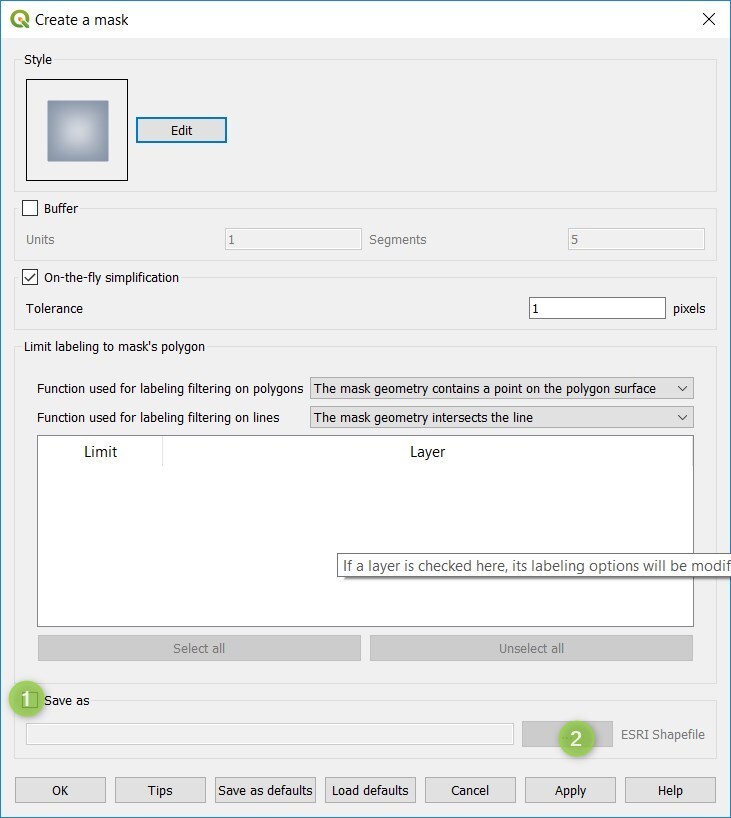
Click on the "Mask icon"
Activate
Save asand click on the...button to save the mask as a shapefile
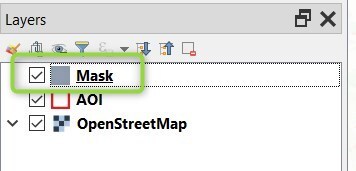
The mask is created and appears as a layer